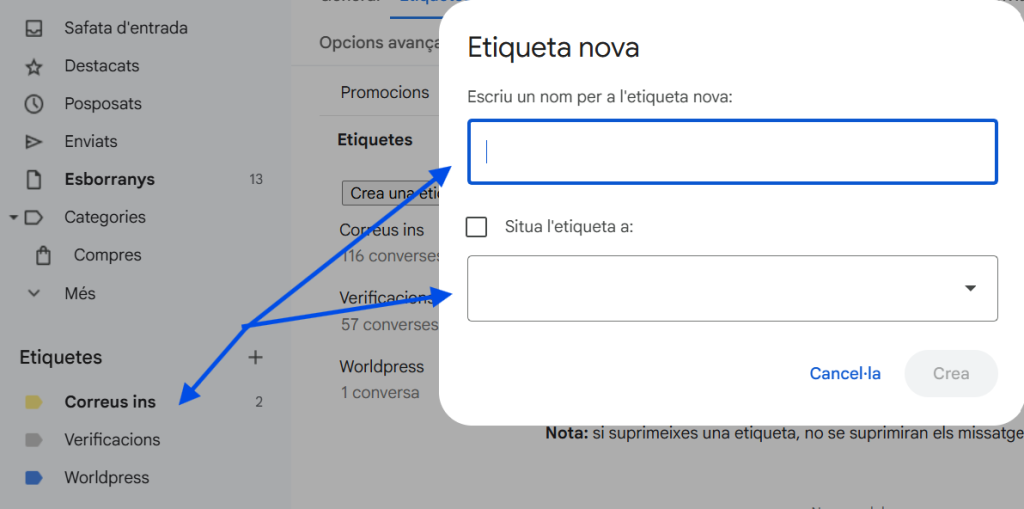
Then I set up some labels in the mail to facilitate organization and not confuse spam with important emails by establishing some filtering rules and here we can see 3 important labels.
- INS Mails: Created to separate the emails sent by members of the Castellbisbal Institute organization.
- Verifications: Created to separate the emails that are used to verify if you are logging in to another account and sending a verification code because this label separates them.
- WordPress: Created to separate the emails that are related to WordPress.
To create labels and configure filters you have to follow these steps.
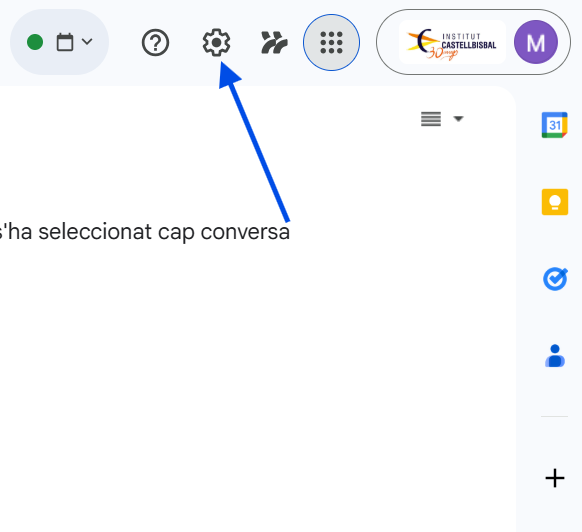
1. I clicked on the Settings icon at the top of the screen.
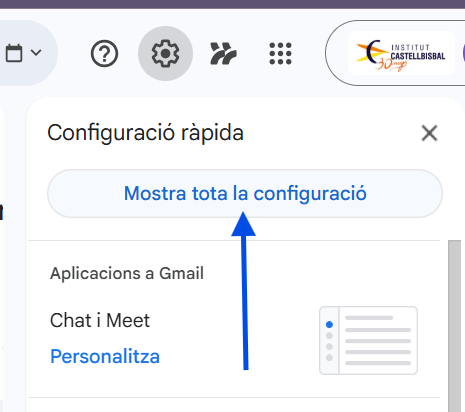
2. Then I selected ‘See all settings.
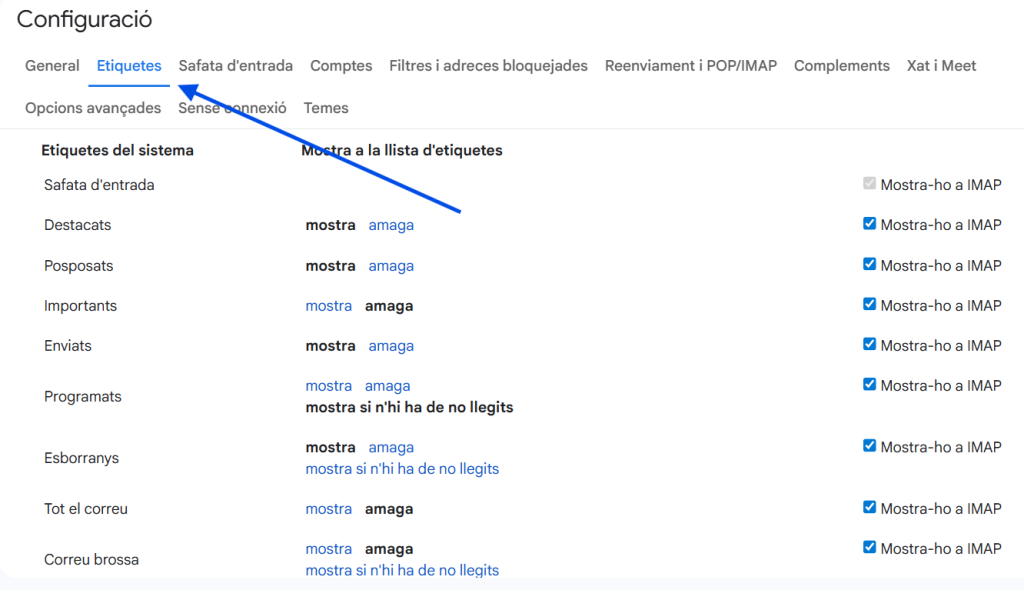
3. Next, I went to the ‘Labels’ section inside the settings menu.
4. From there, I clicked on ‘Create a new label’ to add the labels I needed.
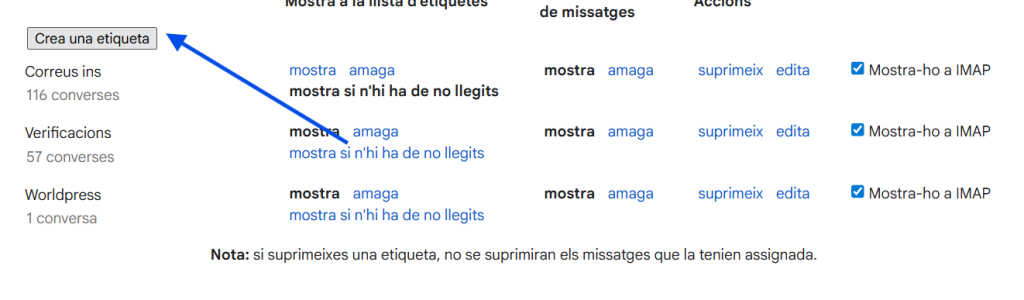
5. I created one label for code verification for my school’s emails and another for WordPress emails.